How Card Scanner Apps Get Prices (and How to Build One on Real Sales)
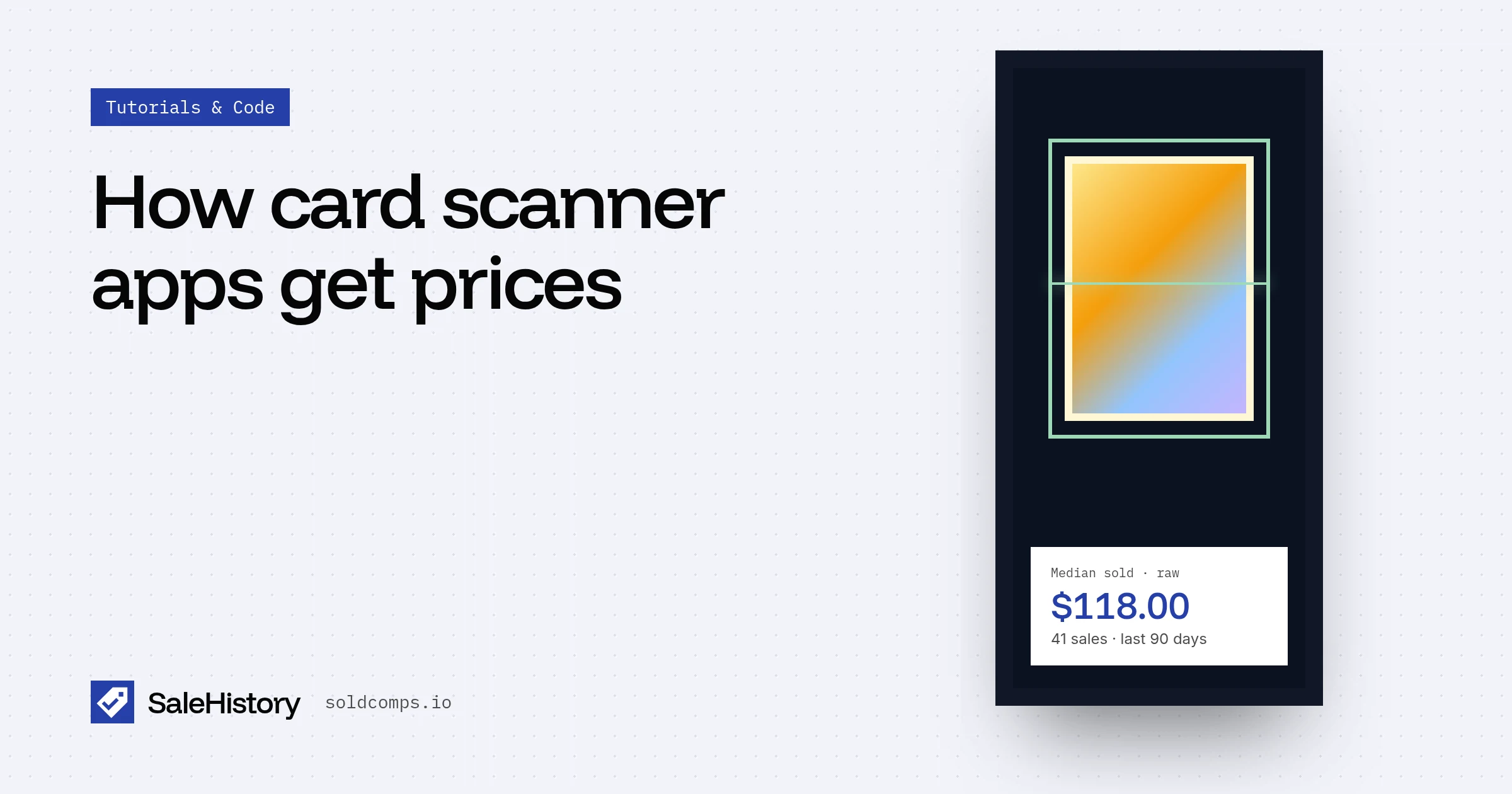
Every card scanner app does the same two things: figure out what card it's looking at, then put a price on it. The first part gets the attention, but users judge the app on the second. Show a price that's 40% too high and they'll stop trusting every scan.
The pipeline
- Identify. Photo → card name, set, number, language. If it's slabbed, read the grader and grade from the label.
- Build the query. One search per card version: raw, PSA 9, PSA 10, and so on.
- Price. Recent sold listings → drop lots and outliers → median.
- Show it. The median, the middle range, how many sales it's based on, and a few recent sales the user can check.
- Cache. Most scans are of the same few thousand cards. Don't re-fetch the same card every time.
Where scanner prices go wrong
Asking prices instead of sold prices. Active listings are what sellers hope to get. Many never sell. A price built on them skews high, often by a lot. Builders who started on active-listing APIs found the same: "The browse API only showing list comps."
Raw and graded mixed together. Searching the card name returns raw copies, every grade, and lots. One average of all that is wrong for every version. Search each version separately. How.
Stale prices. A guide updated monthly misses fast moves. Price from the last 90 days, and show the recent trend for hot cards.
No sample size. "$412" from 2 sales and "$412" from 40 sales aren't the same confidence. Show the count.
Step 2 in code: one query per version
const versions = {
  raw:    `${name} ${number} -psa -bgs -cgc -sgc -graded`,
  psa9:   `${name} ${number} "psa 9"`,
  psa10:  `${name} ${number} "psa 10"`,
};

async function priceCard(version) {
  const url = new URL("https://api.soldcomps.io/v1/sold");
  url.searchParams.set("q", versions[version]);
  const res = await fetch(url, { headers: { Authorization: `Bearer ${process.env.SALEHISTORY_KEY}` } });
  if (!res.ok) throw new Error(`${res.status}`);          // never show 0 for a failed lookup
  const { count, stats, items } = await res.json();
  return { median: stats.median, low: stats.p25, high: stats.p75, sales: count - stats.excluded, recent: items.slice(0, 5) };
}
When the user scans a raw card, call priceCard("raw"). When the label reads PSA 9, call priceCard("psa9").
Step 5: don't price the same card twice an hour
Scans cluster on popular cards. Cache each card version's price for a day, and refresh popular cards in the background. With a catalog of thousands of cards, this is the difference between a few thousand lookups a day and tens of thousands. The math is in pricing thousands of items daily.
What users want to see
Scanner users are skeptical, especially experienced collectors. Show your work:
- The median and the range, not a single magic number
- How many sales it's based on
- The last few sales with dates and links
- "No recent sales" when there aren't any, instead of a made-up number
That transparency is what separates a scanner people trust from one they double-check every time.
Frequently asked questions
Where do card scanner apps get their prices?
It varies. Some use recent eBay sold listings, some use marketplace asking prices, and some use their own price guides. Sold listings for the exact card and grade are the most accurate, because they reflect what buyers paid.
Why does my card scanner app show a different price than eBay?
The app may be showing an asking price, an average that mixes raw and graded sales, or a price that's weeks old. Check the card's recent sold listings for the same grade and compare the median.
How do I build a card scanner app?
Use an image model or a card database to identify the card (name, set, number, grade), then call a sold-listings API with one query per card version and show the median and a few recent sales. Cache prices so you don't re-fetch the same card on every scan.
Sources
- r/SideProject: Photo-to-comps tool (Aug 2026) (accessed Oct 23, 2026)
- r/scrapingtheweb: Daily prices for 8,000 cards across Raw, PSA 8, 9, 10 (Aug 2026) (accessed Oct 23, 2026)
- r/sportscards: The hobby is obsessed with comps (Aug 2026) (accessed Oct 23, 2026)
SaleHistory sells an eBay sold-listings API, so we have a commercial interest in this topic. We link primary sources so you can check our work. Spotted something out of date? Email hello@soldcomps.io.