eBay Sold Prices in JavaScript and TypeScript (Node, Next.js, Edge)
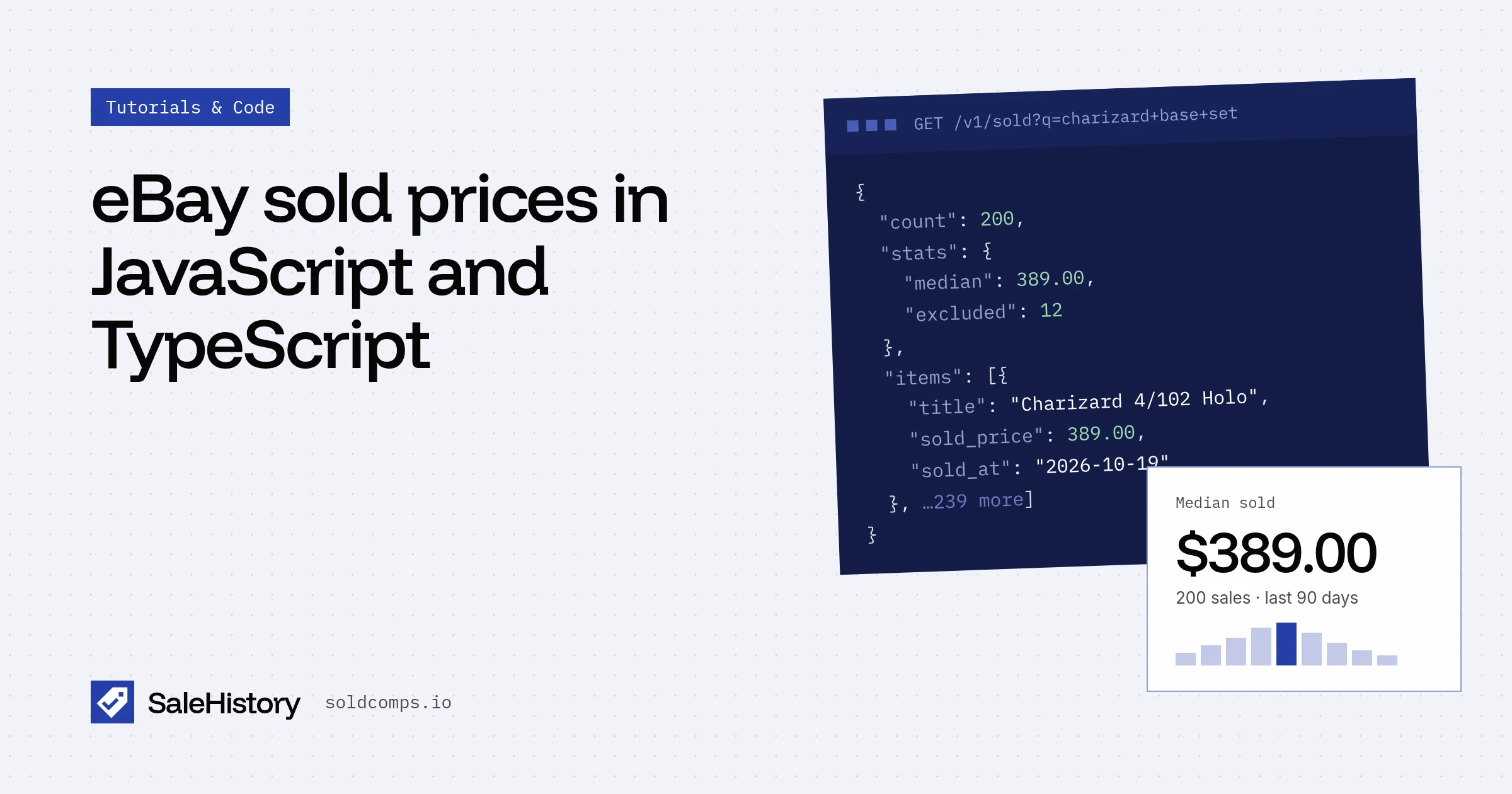
Most apps that need eBay sold prices are JavaScript apps: Next.js sites, Node workers, Chrome extensions with a backend, Discord bots. Here's a small, typed client and the patterns that keep it reliable.
A typed client
// sold.ts (server-only)
export type Sale = {
  item_id: string; title: string; sold_at: string; condition: string;
  sold_price: { value: number; currency: string }; shipping: { value: number | null };
  buying_format: "auction" | "fixed_price"; best_offer_accepted: boolean; url: string; flags: string[];
};
export type SoldResponse = {
  query: string; count: number;
  stats: { median: number | null; p25: number | null; p75: number | null; excluded: number; currency: string };
  items: Sale[];
};

export class SoldError extends Error { constructor(public status: number, public code: string) { super(code); } }

export async function getSold(q: string, opts: { condition?: string; days?: number } = {}): Promise<SoldResponse> {
  const url = new URL("https://api.soldcomps.io/v1/sold");
  url.searchParams.set("q", q);
  if (opts.condition) url.searchParams.set("condition", opts.condition);
  if (opts.days) url.searchParams.set("days", String(opts.days));
  const res = await fetch(url, { headers: { Authorization: `Bearer ${process.env.SALEHISTORY_KEY}` } });
  if (!res.ok) {
    const body = await res.json().catch(() => ({}));
    throw new SoldError(res.status, body?.error?.code ?? "unknown");
  }
  return res.json();
}
Never treat an error as "no sales"
A 502 means eBay didn't answer cleanly, not that the item has no sales. If you write median: 0 into your database on an error, users see garbage. Keep the last good value and retry later. A real "no sales" comes back as 200 with count: 0. Why this matters.
Next.js: route handler with caching
// app/api/price/route.ts
import { getSold } from "@/lib/sold";

export async function GET(req: Request) {
  const q = new URL(req.url).searchParams.get("q")?.trim();
  if (!q) return Response.json({ error: "q required" }, { status: 400 });
  try {
    const d = await getSold(q);
    return Response.json(
      { median: d.stats.median, range: [d.stats.p25, d.stats.p75], sales: d.count - d.stats.excluded },
      { headers: { "Cache-Control": "public, s-maxage=43200, stale-while-revalidate=86400" } },
    );
  } catch (e) {
    return Response.json({ error: "unavailable" }, { status: 502 });
  }
}
s-maxage=43200 lets the CDN serve the same query for 12 hours, so popular items cost one request per day, not one per visitor.
Rate limits and retries
async function withRetry<T>(fn: () => Promise<T>, tries = 3): Promise<T> {
  try {
    return await fn();
  } catch (e) {
    if (tries > 1 && e instanceof SoldError && (e.status === 429 || e.status === 502)) {
      await new Promise((r) => setTimeout(r, e.status === 429 ? 10_000 : 2_000));
      return withRetry(fn, tries - 1);
    }
    throw e;
  }
}
For batches (a whole inventory), run a few requests at a time rather than hundreds in parallel. The free plan allows 30 requests a minute; paid plans more.
Keep the key on the server
Never ship SALEHISTORY_KEY to the browser or a Chrome extension. Put it in an environment variable and call the API from server code. Your frontend talks to your own route.
Prefer Python? See eBay sold prices in Python. Full parameters and fields are in the docs.
Frequently asked questions
Can I call the eBay sold listings API from the browser?
Don't. Your API key would be visible to anyone. Call it from server code (Node, a Next.js route handler, a serverless or edge function) and send your app's own response to the browser.
How should I cache eBay sold prices?
Sold prices for most items change slowly, so cache each query for 12–24 hours. In Next.js, use the fetch cache with revalidate, or your own key-value store.
What happens if I hit the rate limit?
The API returns 429 with a Retry-After header. Wait that many seconds and retry. Failed requests aren't billed.
Sources
- MDN: Fetch API (accessed Oct 23, 2026)
- Next.js: Caching and revalidating data (accessed Oct 23, 2026)
SaleHistory sells an eBay sold-listings API, so we have a commercial interest in this topic. We link primary sources so you can check our work. Spotted something out of date? Email hello@soldcomps.io.