Get eBay Sold Prices in Python: Working Code for 2026
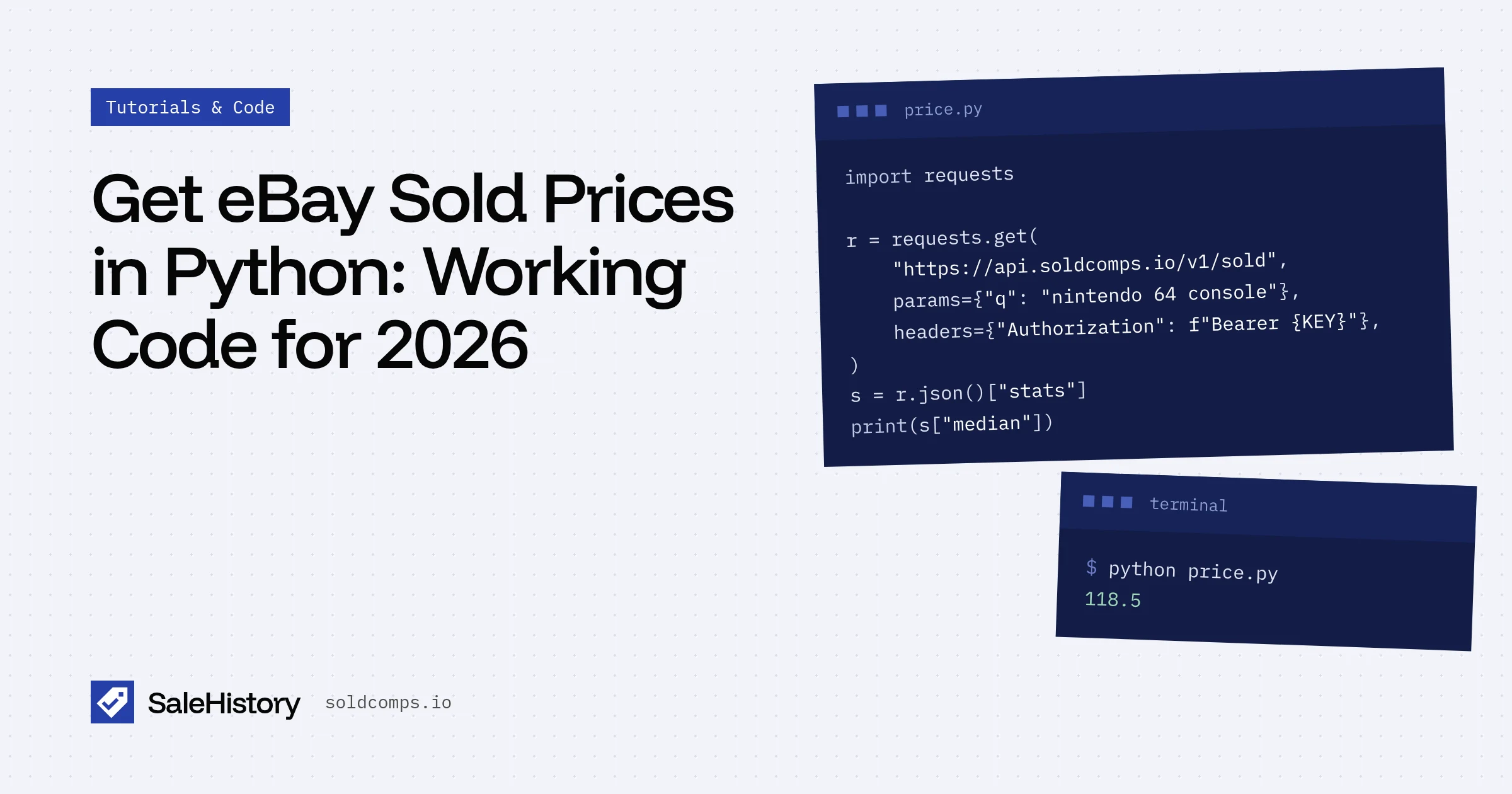
A 2012 Stack Overflow question about getting sold items from eBay says, "My main aim is to get average price by item." Fourteen years later, that's still the job. This tutorial does it in Python, in a way that will still work next month.
You'll need Python 3.9+, requests, and a free API key (get one here, no card).
pip install requests pandas
export SALEHISTORY_KEY=sh_live_xxxxxxxx
Step 1: Fetch sold listings
import os
import requests

API = "https://api.soldcomps.io/v1/sold"
KEY = os.environ["SALEHISTORY_KEY"]

def sold(query, **filters):
    r = requests.get(
        API,
        params={"q": query, **filters},
        headers={"Authorization": f"Bearer {KEY}"},
        timeout=30,
    )
    if r.status_code == 429:
        raise RuntimeError(f"rate limited, retry after {r.headers.get('Retry-After')}s")
    r.raise_for_status()
    return r.json()

data = sold("nintendo 64 console", condition="used")
print(data["count"], "sales · median", data["stats"]["median"])
That one call returns up to 200 sales from the last 90 days. You're charged one request whether it returns 3 or 200.
Step 2: Look at the raw sales
for it in data["items"][:5]:
    print(f'{it["sold_at"]}  ${it["sold_price"]["value"]:>8.2f}  {it["condition"]:<9} {it["title"][:60]}')
2026-10-19  $  118.50  Pre-Owned Nintendo 64 N64 Console w/ Controller + Cables Tested
2026-10-19  $   96.00  Pre-Owned Nintendo 64 Console Only - Works
2026-10-18  $  389.99  Pre-Owned N64 Console Bundle 12 Games 4 Controllers LOT
2026-10-18  $  124.00  Pre-Owned Nintendo 64 System Charcoal Grey OEM Controller
2026-10-17  $   41.00  Pre-Owned Nintendo 64 Console NOT WORKING for parts
See the problem? A 12-game bundle and a broken console are both "nintendo 64 console" sales. Average them in and your price is wrong.
Step 3: Clean it with pandas
The API already flags these, so cleaning is one filter:
import pandas as pd

df = pd.json_normalize(data["items"])
df["price"] = df["sold_price.value"]

clean = df[
    df["flags"].apply(len).eq(0)        # no lot / for_parts / box_only / outlier
    & df["best_offer_price_known"]      # skip Best Offers where eBay hid the real price
]

print("raw median:  ", df["price"].median())
print("clean median:", clean["price"].median())
print("middle 50%:  ", clean["price"].quantile([0.25, 0.75]).tolist())
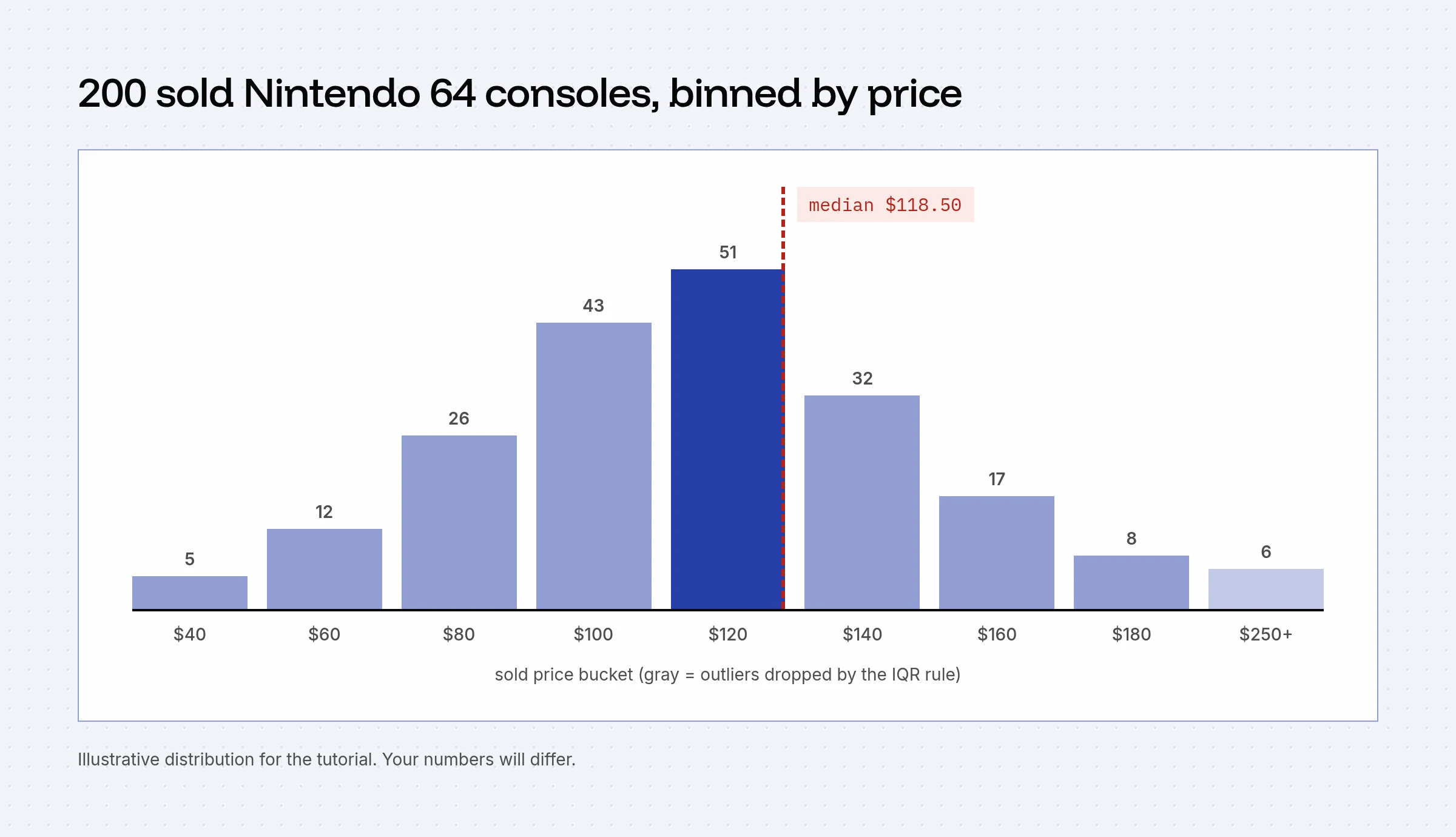
stats.median in the response is the clean median, so in production you can skip pandas and use it directly. Use the raw items when you want your own rules.
Step 4: Price a list of items
import time

inventory = ["pyrex butterprint bowl", "nintendo 64 console", "lego 6080 kings castle"]

for name in inventory:
    d = sold(name, condition="used")
    s = d["stats"]
    print(f"{name:<28} median ${s['median']:>8.2f}  from {d['count'] - s['excluded']} clean sales")
    time.sleep(2)  # stay under the per-minute limit on the free plan
Handling errors
| Status | What to do |
|---|---|
| 401 | Check your key |
| 402 | Monthly quota used up; upgrade or wait for the reset |
| 429 | Sleep for Retry-After seconds |
| 502 | eBay didn't answer cleanly; retry with backoff. Not billed |
Why not just scrape it?
You'll find older tutorials using BeautifulSoup on ebay.com/sch/...&LH_Sold=1. Since mid-2026 that URL redirects to a sign-in page when you're not logged in, and proxies don't fix it. An API call is also about a tenth of the code.
Next: put the same median in a Google Sheet, or read why the median beats the average.
Working in Node or Next.js instead? See eBay sold prices in JavaScript and TypeScript.
Frequently asked questions
Can I scrape eBay sold listings with BeautifulSoup?
Not reliably anymore. Since mid-2026 eBay redirects signed-out sold searches to a sign-in page, and residential proxies don't get around it. Scraping while signed in risks your eBay account.
How many eBay sold listings can I get per request?
SaleHistory returns up to 200 sold listings per request, and one request is billed as one request regardless of how many results come back.
Should I use the median or average eBay sold price?
The median. A handful of bundle, sealed or damaged sales can move the average a lot, while the median stays close to what a typical buyer paid.
Sources
- Stack Overflow: How to get sold items from eBay (accessed Oct 22, 2026)
- Stack Overflow: Scraping eBay Sold Items using Beautiful Soup (accessed Oct 22, 2026)
- Python requests documentation (accessed Oct 22, 2026)
SaleHistory sells an eBay sold-listings API, so we have a commercial interest in this topic. We link primary sources so you can check our work. Spotted something out of date? Email hello@soldcomps.io.