Automate Sold Comps: Price a Whole Inventory From a CSV in One Script
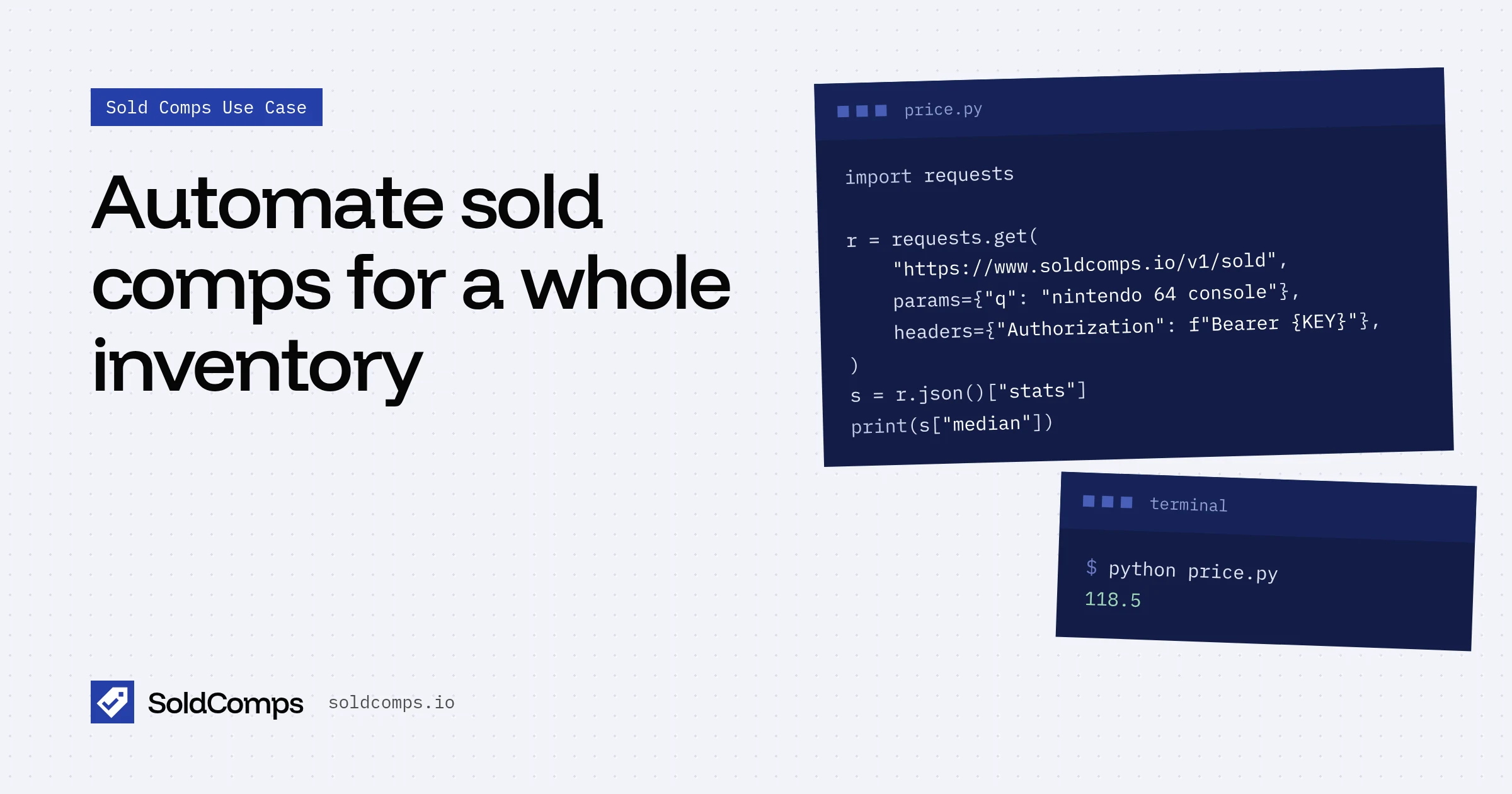
Looking up sold comps one item at a time works for five items. It doesn't work for 500: a store buyout, a storage unit, a consignment intake, or a catalog you need to keep priced every week.
The fix is a short script. Give it a spreadsheet of items, and it fills in what each one actually sold for, how confident that number is, and which rows a human should look at. This guide walks through one in Python, about 40 lines.
If you'd rather stay in a spreadsheet, the Google Sheets formula does the same thing one cell at a time.
What you need
- A list of items, one search per row, written the way you'd type it into eBay. Specific beats vague:
canon ae-1 camera 50mm, notold camera. - An API key. The free plan includes 100 requests a month with no card. Get one here.
- Python 3 with the
requestspackage.
Your CSV, inventory.csv:
sku,query,condition
A101,canon ae-1 camera,used
A102,nintendo ds lite,used
A103,kitchenaid artisan stand mixer,used
A104,levis 501 made in usa vintage,
A105,lladro figurine,
The condition column is optional. Leave it empty for any condition.
The script
import csv, os, time, requests

KEY = os.environ["SOLDCOMPS_KEY"]
API = "https://www.soldcomps.io/v1/sold"

def comps(query, condition=""):
    params = {"q": query}
    if condition:
        params["condition"] = condition
    for attempt in range(3):
        r = requests.get(API, params=params, headers={"Authorization": f"Bearer {KEY}"}, timeout=60)
        if r.status_code == 429:  # rate limited: wait as told, then retry
            time.sleep(int(r.headers.get("Retry-After", "10")))
            continue
        r.raise_for_status()
        return r.json()
    raise RuntimeError(f"rate limited: {query}")

with open("inventory.csv") as f, open("priced.csv", "w", newline="") as out:
    rows = csv.DictReader(f)
    w = csv.writer(out)
    w.writerow(["sku", "query", "clean_sales", "p25", "median", "p75", "review"])
    for row in rows:
        d = comps(row["query"], row.get("condition", ""))
        s = d["stats"]
        clean = d["count"] - s["excluded"]
        wide = s["p25"] and s["p75"] and s["p75"] / s["p25"] > 1.6
        review = "few sales" if clean < 10 else "wide range" if wide else ""
        w.writerow([row["sku"], row["query"], clean, s["p25"], s["median"], s["p75"], review])
        print(row["sku"], s["median"], review or "ok")
Run it:
export SOLDCOMPS_KEY=sh_live_...
python price.py
What comes back
Real output for the CSV above, eBay US, last 90 days, Oct 30, 2026:
| sku | query | clean_sales | p25 | median | p75 | review |
|---|---|---|---|---|---|---|
| A101 | canon ae-1 camera | 134 | 110.00 | 135.48 | 164.38 | |
| A102 | nintendo ds lite | 104 | 50.97 | 59.97 | 70.25 | |
| A103 | kitchenaid artisan stand mixer | 126 | 120.00 | 148.28 | 174.99 | |
| A104 | levis 501 made in usa vintage | 67 | 34.99 | 48.00 | 69.88 | wide range |
| A105 | lladro figurine | 72 | 30.00 | 48.50 | 100.88 | wide range |
Three rows are ready to price as they are. Two need a person, and the reason is useful:
- Levi's 501: waist, length and era matter. Search each pair with its size.
- Lladró: "any figurine" isn't one product. It needs the exact figure name or number.
Notice what the condition column did for the KitchenAid. Without it, the same search mixes new and used mixers: a $249.99 median and a middle half from $173.75 to $319.48, wide enough to get flagged. Limited to used sales, it's a tight $120 to $175 around a $148.28 median. Filtering by condition is often the difference between a usable price and a flagged row.
That's the real job of automation here. It doesn't replace judgment. It sorts the inventory into "priced" and "look at this", so you spend your time only on the rows that need it.
Why these thresholds
- Under 10 clean sales: the median is a rough guide, not a price. How many sold comps you need explains the cutoff.
- p75 more than 1.6× p25: the middle half of buyers paid very different prices, which usually means the search mixes versions or conditions. Tune the number to your category: tighter for electronics, looser for vintage.
- Clean sales, not raw count:
countincludes sales left out of the stats (lots, for-parts, empty boxes, replicas, outliers).count − excludedis what the median is actually based on.
Turning comps into prices
The median is what the item sold for. What you do with it depends on your business:
- Listing price: start at the median, or slightly above for fast sellers in great condition.
- Max buy price: median minus fees, shipping and profit. Sold comps for resellers has the formula.
- Buy or loan offer: start from the 25th percentile, the quick-sale price. See pawn shop sold comps.
Add the column you need to the script. It's one line.
Keeping prices fresh
Prices drift. To keep a catalog current, run the same script on a schedule (cron, a GitHub Action, or your job runner) and compare each new median to the last one:
- Re-price automatically when the median moves by more than a set amount, say 10%.
- Flag items whose clean sales drop sharply. Demand may be drying up.
- Store each run with a date. After a few weeks you have your own price history for every item you carry.
How often depends on the category. Cards, graphics cards and new consoles move week to week. Kitchenware and vintage household goods barely move in a month.
Cost and limits
- One request per search, whether it returns 3 sales or 200.
- Never counted: failed requests.
- Rate limits depend on your plan, from 30 to 300 requests a minute. The script above waits and retries when it gets a 429.
Five hundred items is 500 requests, which the $5 Starter plan (1,000 requests a month) covers with room to re-price. Details are on the pricing page, and the full parameter list (condition, price range, buying format, days, eBay site) is in the API docs.
Other ways to plug it in
- AI assistants: connect the MCP server and ask Claude or ChatGPT to comp a list for you.
- Point-of-sale and buy screens: call the API when an item is scanned and show the quick-sale price next to it.
- Listing tools: pre-fill a suggested price from the median when a seller creates a listing.
Whichever way you run it, the habit is the same one that makes manual comps work: clean sales, enough of them, a tight range, and a human for the rest. That's sold comps at scale.
Frequently asked questions
How do I automate sold comps?
Keep a list of searches, one per item, and run a script that calls a sold comps API for each one and saves the median, middle range and sales count. Price confident rows automatically and send the rest to a person.
How many requests does it take to price an inventory?
One request per search. Pricing 500 items takes 500 requests, whether each search returns 3 sales or 200. Failed requests don't count.
Which items should a script not price on its own?
Rows with fewer than 10 clean sales, rows where the 75th percentile is much higher than the 25th (a wide range), and anything easy to fake or highly condition-sensitive. Those need a person to read the listings.
How often should I refresh sold comps?
It depends on the category. Fast-moving items like trading cards, graphics cards and new consoles can shift week to week, so refresh them weekly or daily. Slow categories like kitchenware and vintage household goods are fine monthly.