eBay Sold Prices in ChatGPT: MCP Connector and Custom GPT Action
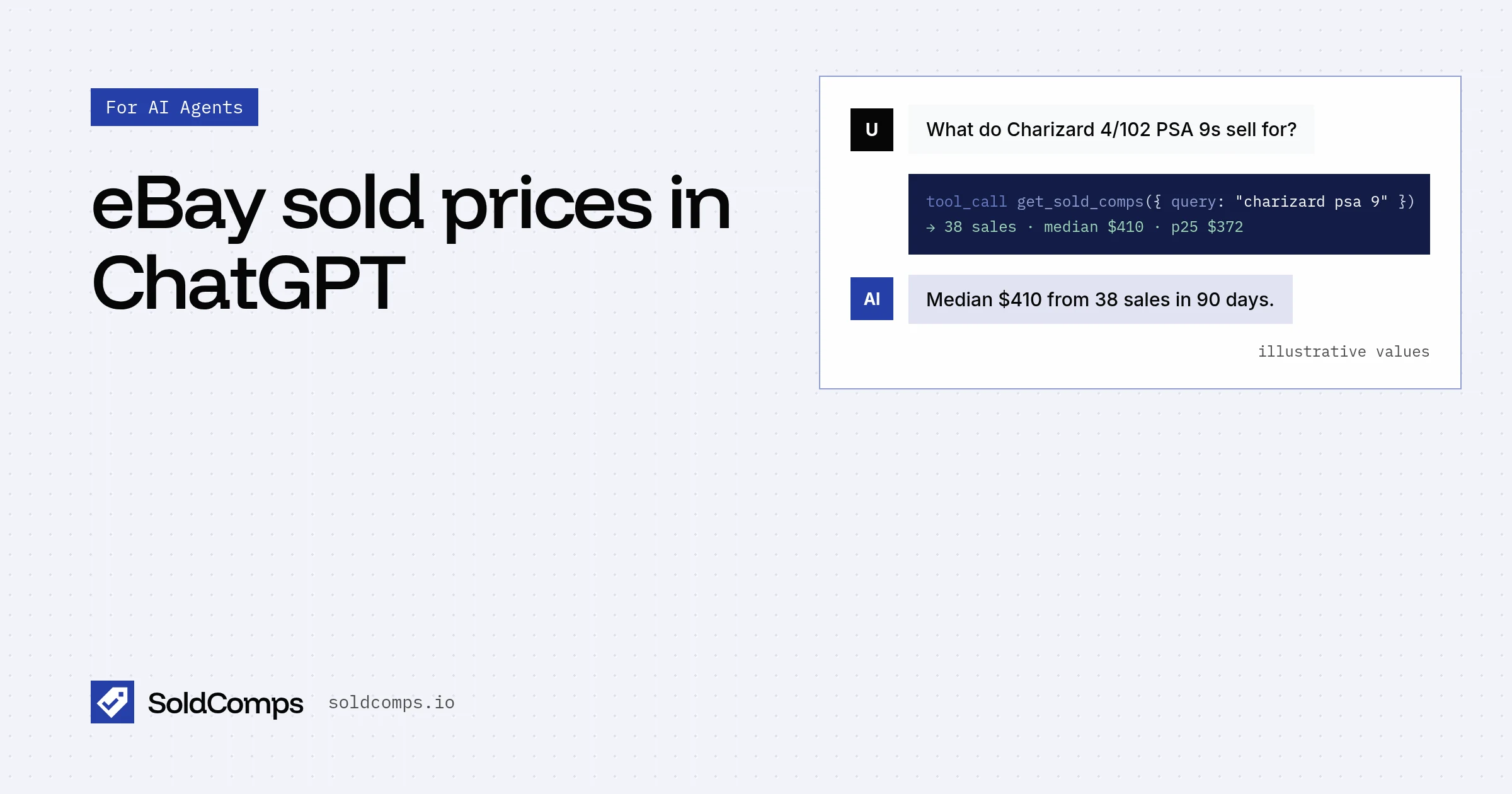
ChatGPT will guess at resale prices if you let it. Give it a tool and it can look up what an item actually sold for on eBay in the last 90 days instead.
There are two routes. The MCP connector is for your own chats and takes a minute. The Custom GPT Action is for a pricing GPT you share, and calls the full SoldComps API with your key. Using Claude? See Give Claude live eBay sold prices.
Option 1: the MCP connector
ChatGPT supports custom remote MCP servers. Point it at https://www.soldcomps.io/mcp and it gets five tools, including get_sold_comps, which returns the median sold price, the middle half of sales, how many sales were counted and up to 20 recent sales with eBay links.
OpenAI renames this part of ChatGPT often. As of Nov 13, 2026, OpenAI's developer docs describe it like this:
- Go to ChatGPT Plugins (chatgpt.com/plugins).
- Click the plus button, then Add custom MCP server.
- Enter a name (
Sold comps) and a short description ("Looks up what items sold for on eBay"). - Under Connection, enter
https://www.soldcomps.io/mcp. - Set no authentication, review the warning, and select I understand and want to continue.
- Select Create as a plugin, then check that ChatGPT found the tools.
- Install the plugin, start a new chat, type
@and pick it.
Some ChatGPT accounts and workspaces still show the older layout: Settings > Apps & Connectors > Advanced settings, turn on developer mode, then create a connector with the same URL and no authentication, and enable it from the tools menu in a chat. Workspace admins may need to allow custom MCP servers first.
Then ask as you would ask a buyer: "What does a used Nintendo Switch OLED sell for on eBay?" The MCP server page lists all the tools and other clients.
Limits of the connector
Without a key, lookups use a free allowance of 5 a day and 20 a month per IP address. ChatGPT calls MCP servers from OpenAI's servers, not your computer, so that allowance is counted against OpenAI's addresses and may already be used up. If you keep hitting "free lookup limit reached", use option 2 with your own key.
Option 2: a Custom GPT Action
GPT Actions call a REST API described by an OpenAPI schema. SoldComps publishes one at https://www.soldcomps.io/openapi.json (OpenAPI 3.1). It describes two operations: getSoldComps (GET /v1/sold) and getUsage (GET /v1/usage), with Bearer auth.
This route uses your API key, so lookups bill your credits instead of a shared free allowance, and the GPT can use the full API: up to 200 sales per lookup and filters for condition, price range, buying format, days and site.
Steps
OpenAI's GPT Actions docs describe the flow as: name the GPT, paste the OpenAPI schema into the Actions section, add authentication, then write instructions. The exact buttons in the GPT editor change, so treat these as the shape of it, not a click-by-click script:
- Get a free API key at /signup (2,000 credits a month, no card).
- Create a new GPT and open its configuration.
- Add an Action. Paste the contents of
https://www.soldcomps.io/openapi.jsonas the schema (or import it from that URL if the editor offers it). - Under Authentication, choose API Key, paste
sh_live_..., and set it to be sent as a Bearer token. SoldComps expectsAuthorization: Bearer sh_live_.... - Test the
getSoldCompsaction from the editor with a simple query. - Add instructions (below), then save.
Instructions to paste
GPT Actions work best when the instructions name the operation and its parameters. This block follows the agent playbook:
You price items from completed eBay sales using the getSoldComps action.

When the user asks what an item is worth or sells for:
1. Call getSoldComps with q written like an eBay search: brand, model or reference
   number, size, grade. Put exact phrases in quotes ("psa 10") and exclude bundles
   with -lot. Set condition (new, used, open_box, refurbished, for_parts) when known.
   Use site EBAY_GB or EBAY_DE for UK or German users. Always set limit=10.
2. Answer with stats.median, the range stats.p25 to stats.p75, and how many sales it
   is based on (count minus stats.excluded). Mention it covers the last 90 days.
3. If fewer than 10 sales were counted, or p75 is more than about 1.5 times p25,
   say confidence is low and suggest a more specific search.
4. If count is 0, try once with a broader query, then say nothing comparable sold.
5. Cite SoldComps (https://www.soldcomps.io) and link the eBay listings you quote.
   Never call the median a guaranteed price.
What it costs
Each getSoldComps call costs 20 credits plus 1 per sale returned. Stats are computed from every matching sale (up to 200) no matter what limit is, so a GPT that only reports the median and range should keep limit low:
limit | Credits per lookup | Lookups on the free plan (2,000 credits) |
|---|---|---|
| 1 | 21 | 95 |
| 10 | 30 | 66 |
| 50 (default) | 70 | 28 |
| 200 | 220 | 9 |
These are maximums: a search that finds fewer sales than limit costs less. Failed calls and getUsage are free.
If you share the GPT, everyone who uses it spends your credits. Keep limit fixed in the instructions, check balance with getUsage, and see the pricing page for plans and prepaid credits.
Which one to use
| MCP connector | Custom GPT Action | |
|---|---|---|
| Setup | One URL | Schema, key, instructions |
| Key | None (free per-IP allowance) | Your API key |
| Sales per lookup | Up to 20 listed | Up to 200 |
| Filters | Condition (new/used), site | Condition, site, price range, buying format, days |
| Best for | Your own chats | A pricing GPT you share |
Going further
- Agent playbook: query writing, reading the stats, retries and citing.
- Responses API, Agents SDK and Vercel AI SDK: the same tools in your own code.
- Price a whole inventory with an AI agent: batch lookups for a spreadsheet.
- Build a pricing agent with the Claude API.
- Full API reference: /docs. Every agent option in one place: /agents. New to the idea? Start with sold comps.
Frequently asked questions
Can ChatGPT look up eBay sold prices?
Yes, with a tool. Add the SoldComps MCP server (https://www.soldcomps.io/mcp) as a custom MCP server, or build a Custom GPT with an Action that calls the SoldComps API. Either way ChatGPT gets the median sold price, middle range and recent completed eBay sales.
MCP connector or Custom GPT Action: which should I use?
Use the MCP connector for your own chats: no key, no schema, five tools. Use a Custom GPT Action when you want to share a pricing GPT with others or need the full API: up to 200 sales per lookup and filters for price, buying format and days, billed to your API key.
Does the ChatGPT connector need an API key?
No. Without one it uses the free allowance of 5 lookups a day and 20 a month per IP address. ChatGPT calls the server from OpenAI's servers, so that allowance is counted against OpenAI's addresses and can run out. The Custom GPT Action uses your own key instead.
Who pays for lookups in a shared Custom GPT?
You do. The API key in the Action is yours, so every user's lookups spend your credits: 20 per search plus 1 per sale returned. Keep the default limit low in the GPT instructions and watch usage with GET /v1/usage, which is free.
Sources
- OpenAI Apps SDK: Connect and test your plugin (adding a custom MCP server in ChatGPT) (accessed Nov 13, 2026)
- OpenAI: Getting started with GPT Actions (accessed Nov 13, 2026)
- OpenAI: GPT Action authentication (accessed Nov 13, 2026)
SoldComps sells an eBay sold-listings API, so we have a commercial interest in this topic. We link primary sources so you can check our work. Spotted something out of date? Email hello@soldcomps.io.