Build a Pricing Agent With the Claude API MCP Connector
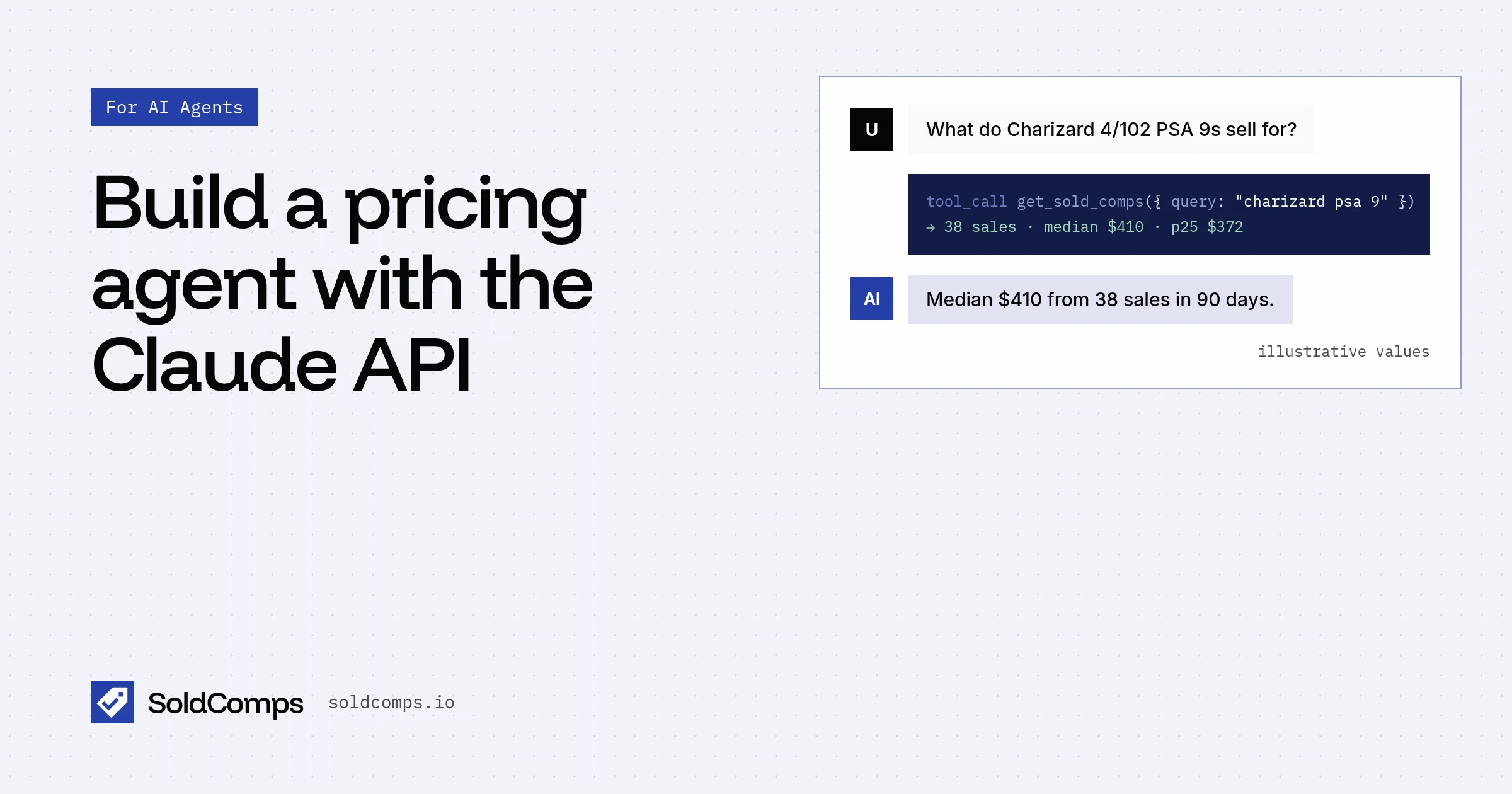
The Claude API can call remote MCP servers directly. You list the server in the request, and Anthropic connects to it, lists its tools, and runs the calls Claude makes. You don't run an MCP client or write a tool loop.
That makes a pricing agent short. Point the connector at the SoldComps MCP server and Claude can look up what an item sold for on eBay whenever a question needs it. Want this inside Claude's own apps instead of your code? See Give Claude live eBay sold prices.
The minimal request
Python (pip install anthropic, with ANTHROPIC_API_KEY set):
import anthropic
client = anthropic.Anthropic()
resp = client.beta.messages.create(
    model="claude-opus-5-5", max_tokens=16000,
    betas=["mcp-client-2025-11-20"],
    mcp_servers=[{"type": "url", "url": "https://www.soldcomps.io/mcp", "name": "soldcomps", "authorization_token": "sh_live_..."}],
    tools=[{"type": "mcp_toolset", "mcp_server_name": "soldcomps"}],
    messages=[{"role": "user", "content": "What does a used Nintendo Switch OLED sell for on eBay?"}],
)
TypeScript (npm install @anthropic-ai/sdk):
import Anthropic from "@anthropic-ai/sdk";

const client = new Anthropic();

const resp = await client.beta.messages.create({
  model: "claude-opus-5-5",
  max_tokens: 16000,
  betas: ["mcp-client-2025-11-20"],
  mcp_servers: [
    { type: "url", url: "https://www.soldcomps.io/mcp", name: "soldcomps", authorization_token: "sh_live_..." },
  ],
  tools: [{ type: "mcp_toolset", mcp_server_name: "soldcomps" }],
  messages: [{ role: "user", content: "What does a used Nintendo Switch OLED sell for on eBay?" }],
});
Three things have to line up:
- The beta. The connector is in beta, so it's on
client.beta.messageswithmcp-client-2025-11-20. - Both halves.
mcp_serverssays where the server is; themcp_toolsetentry intoolsturns its tools on.mcp_server_namemust match the server'sname. Leaving out the toolset is a validation error. authorization_tokenis optional. It's sent to the server as a Bearer token. With yoursh_live_...key, lookups bill your SoldComps credits. Without it, the free per-IP allowance applies (5 lookups a day, 20 a month), counted against the address Anthropic connects from, which other Claude API users may share. Use a key for anything beyond a test.
Get a key free at /signup: 2,000 credits a month, no card.
Reading the response
When Claude uses the server, resp.content holds three kinds of block:
mcp_tool_use: the call Claude made, withname,server_nameandinput, for example{"query": "nintendo switch oled", "condition": "used", "site": "us"}.mcp_tool_result: what the server returned, withtool_use_id,is_errorandcontent(text blocks).text: Claude's answer.
for block in resp.content:
    if block.type == "mcp_tool_use":
        print("called", block.name, block.input)
    elif block.type == "mcp_tool_result":
        print("tool error" if block.is_error else "tool ok")
    elif block.type == "text":
        print(block.text)
Log the mcp_tool_use inputs. Bad prices almost always trace back to a vague query, and the log shows you which.
The tool's text result has the median, middle half, counted and excluded sales, the sales date range, up to 20 recent counted sales with eBay links, and a source URL. The format is shown in the Claude setup guide.
A pricing agent
A useful pricing agent needs three more things: instructions, a short tool list, and your key from the environment. This version enables only get_sold_comps and tells Claude how to answer:
import os
import anthropic

client = anthropic.Anthropic()

SYSTEM = """You price second-hand items from completed eBay sales.
For each item, call get_sold_comps once with an eBay-style query (model or reference number,
size, grade; add -lot to drop bundles) and condition when known.
Reply with: median, middle half (p25 to p75), number of counted sales, and the sales date range.
If fewer than 10 sales were counted or p75 is more than about 1.5x p25, say "low confidence".
Cite the source URL from the tool result. Never call the median a guaranteed price."""


def price(question: str) -> str:
    resp = client.beta.messages.create(
        model="claude-opus-5-5",
        max_tokens=16000,
        betas=["mcp-client-2025-11-20"],
        system=SYSTEM,
        mcp_servers=[{
            "type": "url",
            "url": "https://www.soldcomps.io/mcp",
            "name": "soldcomps",
            "authorization_token": os.environ["SOLDCOMPS_API_KEY"],  # sh_live_...
        }],
        tools=[{
            "type": "mcp_toolset",
            "mcp_server_name": "soldcomps",
            "default_config": {"enabled": False},
            "configs": {"get_sold_comps": {"enabled": True}},
        }],
        messages=[{"role": "user", "content": question}],
    )
    return "".join(b.text for b in resp.content if b.type == "text")


print(price("What does a used Nintendo Switch OLED sell for on eBay?"))
Run it:
pip install anthropic
export ANTHROPIC_API_KEY=...
export SOLDCOMPS_API_KEY=sh_live_...
python agent.py
The same agent in TypeScript:
import Anthropic from "@anthropic-ai/sdk";

const client = new Anthropic(); // reads ANTHROPIC_API_KEY

const SYSTEM = `You price second-hand items from completed eBay sales.
For each item, call get_sold_comps once with an eBay-style query (model or reference number,
size, grade; add -lot to drop bundles) and condition when known.
Reply with: median, middle half (p25 to p75), number of counted sales, and the sales date range.
If fewer than 10 sales were counted or p75 is more than about 1.5x p25, say "low confidence".
Cite the source URL from the tool result. Never call the median a guaranteed price.`;

const resp = await client.beta.messages.create({
  model: "claude-opus-5-5",
  max_tokens: 16000,
  betas: ["mcp-client-2025-11-20"],
  system: SYSTEM,
  mcp_servers: [
    {
      type: "url",
      url: "https://www.soldcomps.io/mcp",
      name: "soldcomps",
      authorization_token: process.env.SOLDCOMPS_API_KEY, // optional: sh_live_...
    },
  ],
  tools: [
    {
      type: "mcp_toolset",
      mcp_server_name: "soldcomps",
      default_config: { enabled: false },
      configs: { get_sold_comps: { enabled: true } },
    },
  ],
  messages: [{ role: "user", content: "What does a used Nintendo Switch OLED sell for on eBay?" }],
});

for (const block of resp.content) {
  if (block.type === "mcp_tool_use") console.log("called", block.name, block.input);
  else if (block.type === "mcp_tool_result") console.log(block.is_error ? "tool error" : "tool ok");
  else if (block.type === "text") console.log(block.text);
}
Save as agent.mts (or a .ts file in an ESM project) so the top-level await works.
The system prompt is a short version of the agent playbook. Paste the longer one in if your agent handles messy, conversational requests.
Errors you'll see
The MCP tool reports problems as text in the mcp_tool_result, so Claude can explain them to the user:
| Situation | What the tool says | What your code should do |
|---|---|---|
| No clean sales matched | "No clean sold comps found..." with counts | Let Claude retry once with a broader query, then report no data |
| Free allowance used up (no key) | "Free lookup limit reached for this connection..." | Pass authorization_token |
| Key out of credits | "Your SoldComps key has used its ... credits" with an upgrade link | Top up or upgrade; see pricing |
| Free daily capacity reached | "Free sold-comps lookups are paused for today" (is_error: true) | Use a paid key, or retry after midnight UTC |
| eBay data temporarily unavailable | "Please retry in a minute" (is_error: true) | Retry the request after a short wait |
Failed lookups are never billed.
Cost and limits
- SoldComps: with a key, 20 credits plus 1 per sale listed. The tool lists at most 20 sales, so at most 40 credits per lookup. Results are cached for up to 12 hours.
- Anthropic: tokens are billed by Anthropic as usual. Tool results count as input tokens, and a 20-sale result is a few dozen lines of text.
- Connector limits: only MCP tool calls are supported (not resources or prompts), and the server must be reachable over HTTP, which ours is.
- When to switch to REST: if you need up to 200 sales, price-range, buying-format or day filters, or tight control over context, wrap
GET /v1/soldin your own tool. Price a whole inventory with an AI agent shows the REST side, and the API docs list every parameter.
Related
- Agent playbook: the rules your agent should follow.
- OpenAI Responses API, Agents SDK and Vercel AI SDK: the same server from other stacks.
- eBay sold prices in ChatGPT.
- Server details and other clients: MCP server. All agent options: /agents. What the numbers mean: sold comps.
Frequently asked questions
How do I connect the Claude API to an MCP server?
Use the MCP connector: call client.beta.messages.create with betas=["mcp-client-2025-11-20"], list the server in mcp_servers (type url, url, name) and add a tools entry {"type": "mcp_toolset", "mcp_server_name": <same name>}. Anthropic makes the MCP connection server-side, so you don't run an MCP client.
Do I need a SoldComps API key for the Claude API connector?
No. authorization_token is optional. Without it, lookups use the free per-IP allowance, counted against the address Anthropic connects from. For a production agent, pass your sh_live_ key as authorization_token; it's sent as a Bearer token and bills your credits.
What does a lookup cost through the connector?
With a key, 20 credits plus 1 per sale listed, and the MCP tool lists at most 20 sales, so at most 40 credits. Claude API tokens are billed separately by Anthropic, including the tool results Claude reads.
Can I stop Claude from calling the other SoldComps tools?
Yes. In the mcp_toolset, set default_config to {"enabled": false} and enable only get_sold_comps under configs. That keeps the tool list short and every call on-task.
When should I use the REST API instead of the MCP connector?
When you need more than 20 sales per lookup, filters for price range, buying format or days, or full control over what goes into Claude's context. Wrap GET /v1/sold in your own tool and return only the fields Claude needs.
Sources
- Claude API docs: MCP connector (accessed Nov 13, 2026)
SoldComps sells an eBay sold-listings API, so we have a commercial interest in this topic. We link primary sources so you can check our work. Spotted something out of date? Email hello@soldcomps.io.