eBay Sell-Through Rate: How to Calculate STR (and What a Good One Is)
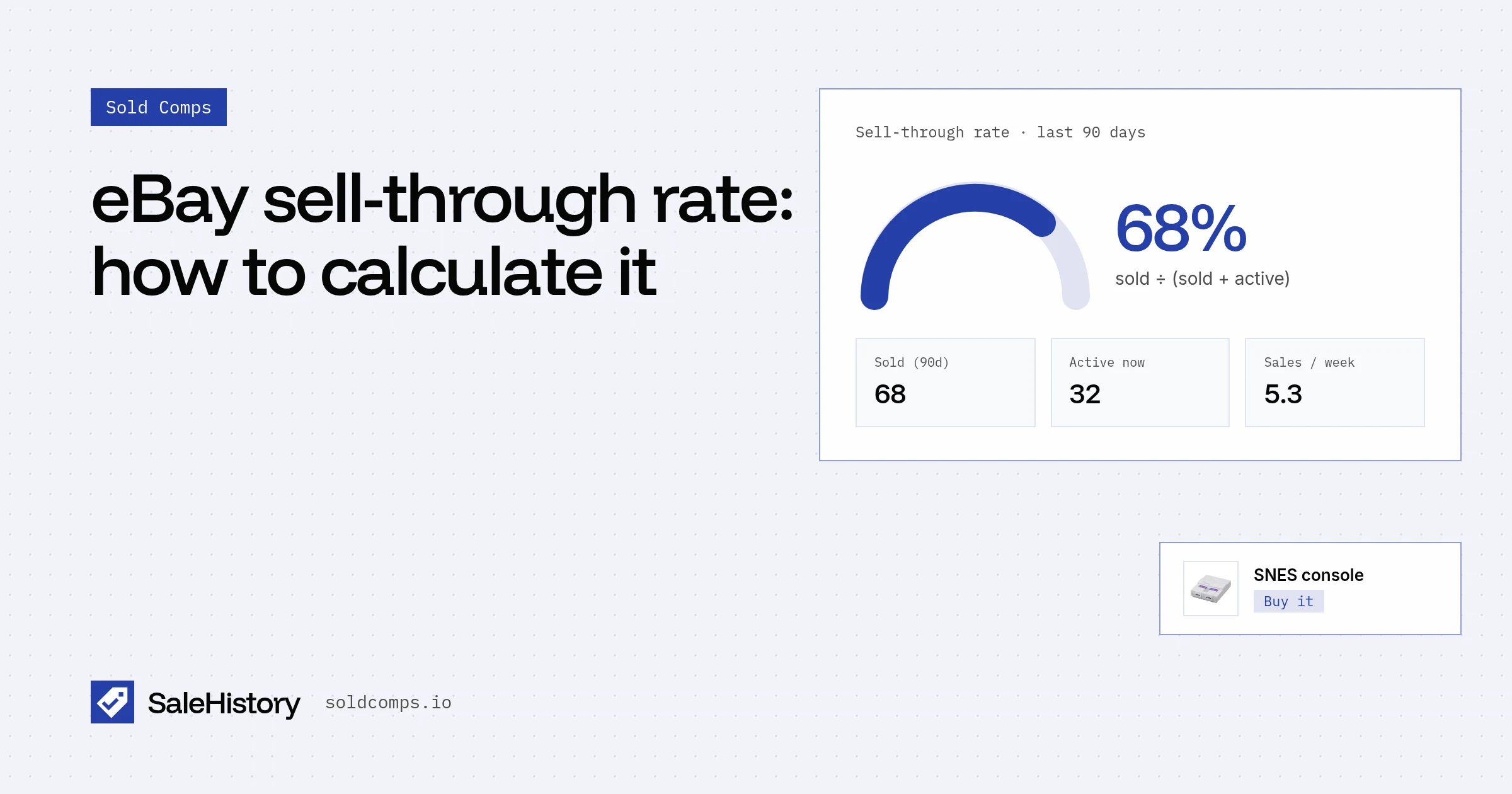
Sell-through rate answers the question every flipper asks in the aisle: if I buy this, will it actually sell? A high sold price is useless if one sold in three months and forty are sitting unsold.
Most "sell-through rate" guides are written for retail stores. This one is for eBay.
The formula
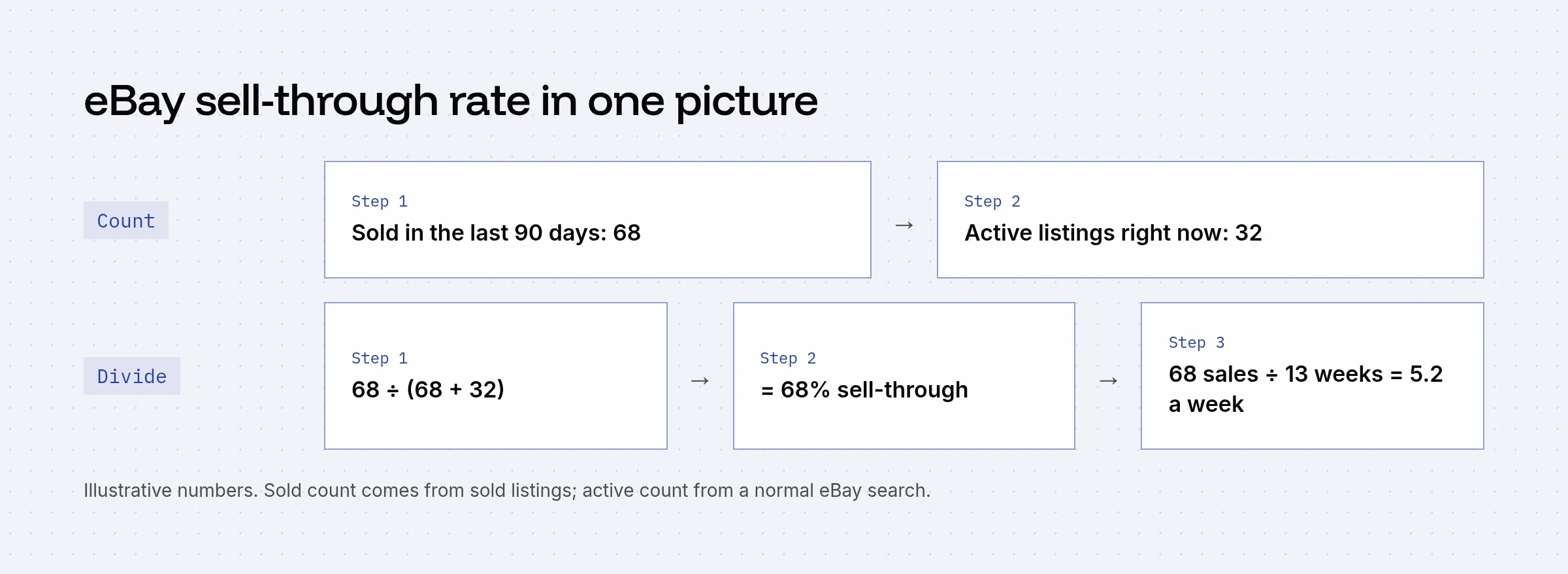
STR = sold in the last 90 days ÷ (sold + currently active) × 100
Worked example for a used Super Nintendo console:
| Count | |
|---|---|
| Sold listings, last 90 days | 68 |
| Active listings right now | 32 |
| Sell-through rate | 68 ÷ 100 = 68% |
Some resellers use sold ÷ active instead (68 ÷ 32 = 213%). It's a different scale, not a different answer. Pick one and stick with it so your numbers are comparable.
What counts as a good sell-through rate on eBay?
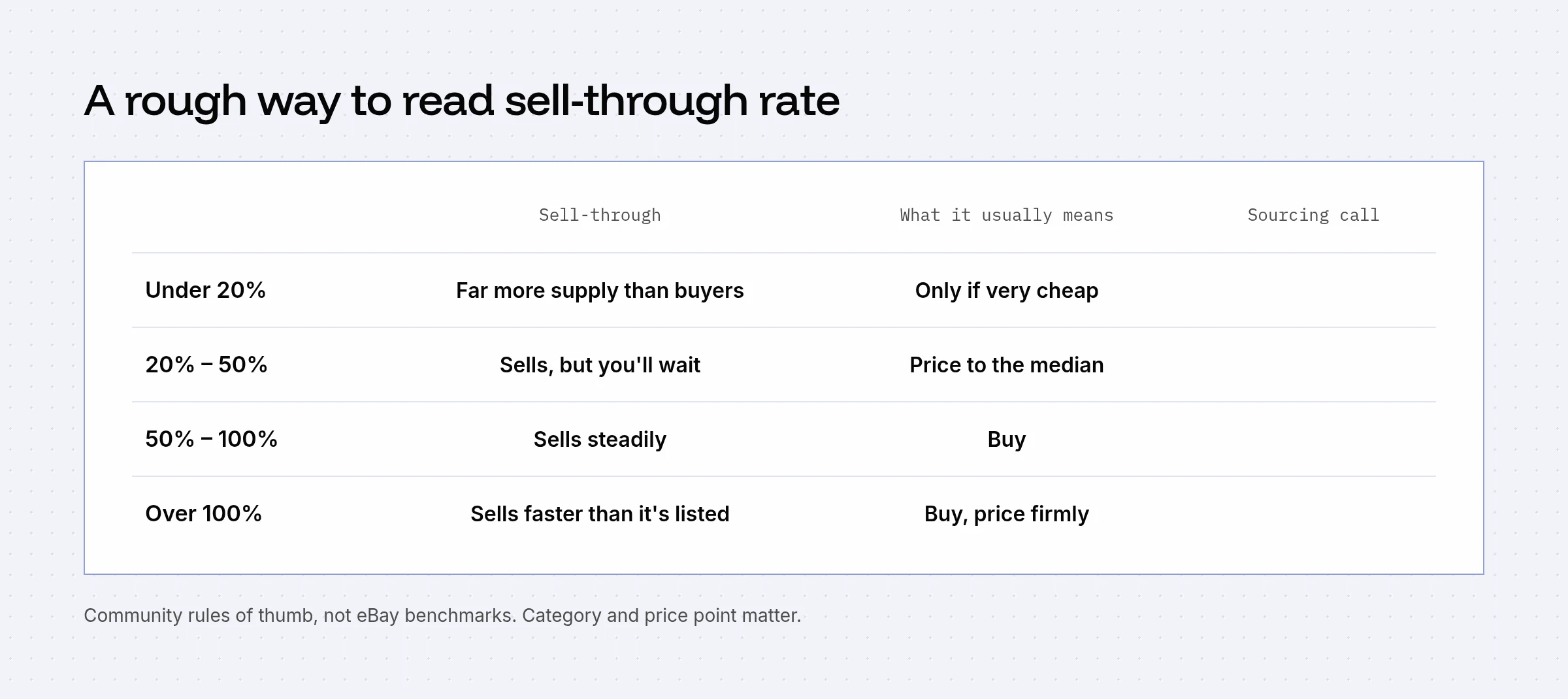
There's no official benchmark. These are the rules of thumb resellers use:
- Under 20%: lots of supply, few buyers. Only buy very cheap, or for a specific buyer.
- 20%–50%: it sells, but expect to wait. Price close to the median sold price.
- 50% and up: a steady seller. This is where most flippers want to be.
A slow item can still be worth it if the margin is big. A $4 buy that sells for $90 once a month is fine. A $40 buy that sells for $55 once a month is not.
Why your sell-through rate is probably wrong
The math is easy. The counting is the hard part. Resellers complain about this constantly: "eBay does not make it easy to get an accurate count of active and sold items that exactly match your item." Three things distort it:
- Loose matching. eBay pads results with "results matching fewer words." One parts seller found the "exact match" for a part number was a steering wheel for a completely different car.
- Multi-quantity listings. One listing that sold 254 drills shows up as a single sold result in search.
- Different tools, different counts. One reseller measured 16% with one method and 43% with another for the same item.
Fixes: search by part number, model number or exact title phrase in quotes, filter the right condition, and exclude lots. If the result list contains things that aren't your item, your STR is fiction.
A faster check while you're sourcing: sales per week
When you're standing in a store, skip the active count:
Sales per week = sold in the last 90 days ÷ 13
68 sold in 90 days is about 5 a week. That's a fast seller, no division by active listings needed. Under 1 a week means you're buying something that will sit. Combine it with the median sold price and you have the two numbers that matter: what it sells for and how often.
Doing it for many items at once
For one item, eBay search is fine. For a pallet, an estate or a whole inventory sheet, you want the counts without the clicking. A sold-listings API gives you the sold side directly:
curl "https://api.soldcomps.io/v1/sold?q=super+nintendo+console&condition=used" \
  -H "Authorization: Bearer $SALEHISTORY_KEY"
# → "count": 68, "stats": { "median": 89.00, "excluded": 6 }
count minus stats.excluded is your clean 90-day sold count. Divide by 13 for sales per week. Pair it with the active count from a normal eBay search (or eBay's Browse API) if you want full STR. Our Google Sheets guide shows how to put the count next to every row of an inventory list.
Want this inside an app? See building a reseller app that scans to a sold price.
Frequently asked questions
What is a good sell-through rate on eBay?
Resellers commonly treat 50% or higher as a fast seller, 20% to 50% as sellable at the right price, and under 20% as slow. These are community rules of thumb rather than eBay benchmarks, and they vary by category and price.
How do you calculate sell-through rate on eBay?
Count sold listings for the item over the last 90 days, count active listings right now, then divide sold by sold plus active and multiply by 100. 68 sold and 32 active gives 68 ÷ 100 = 68%.
Can sell-through rate be over 100%?
Some resellers calculate STR as sold divided by active only, which can exceed 100%. With 68 sold and 32 active that version gives 213%. Both are fine as long as you use one method consistently.
Why does eBay's sell-through rate differ from Terapeak's?
They count different things. eBay search matches loosely, includes 'results matching fewer words', and counts multi-quantity listings differently than Product Research. One reseller got 16% from one method and 43% from another for the same item.
Sources
- r/Flipping: eBay sell through rates (search noise and part numbers, Sep 2026) (accessed Oct 22, 2026)
- r/Flipping: Figuring out sell-through rate while sourcing (Aug 2025) (accessed Oct 22, 2026)
- r/Flipping: Terapeak vs eBay search sell-through discrepancy (May 2024) (accessed Oct 22, 2026)
SaleHistory sells an eBay sold-listings API, so we have a commercial interest in this topic. We link primary sources so you can check our work. Spotted something out of date? Email hello@soldcomps.io.